Master Your Flights with Aviate
Your all-in-one companion for flight management, trip planning, and travel experiences. Track flights, organize boarding passes, and share your journey.

Travel Essentials
2/5
Everything You Need for Your Journey
Powerful features designed for aviation enthusiasts and frequent travelers
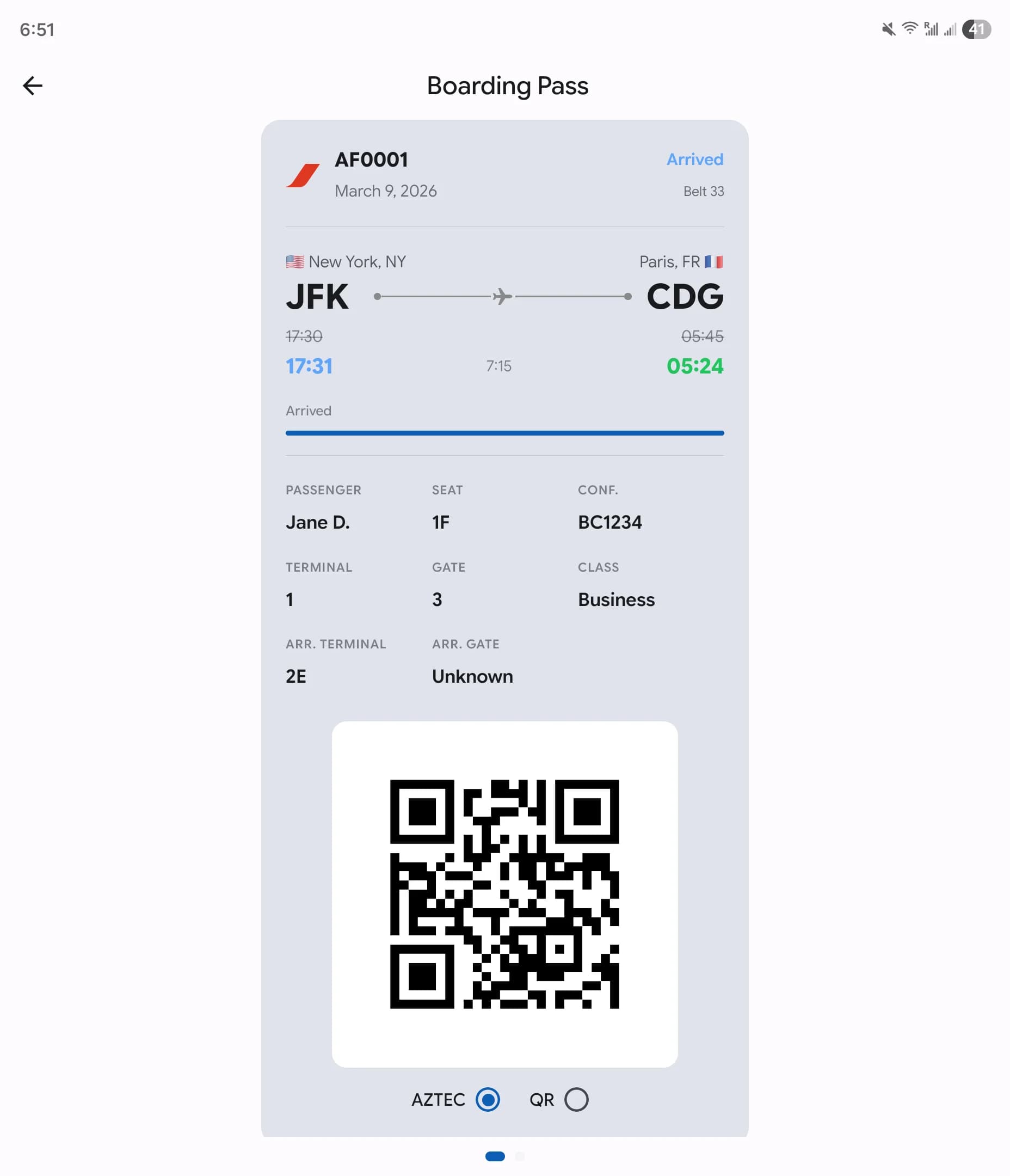
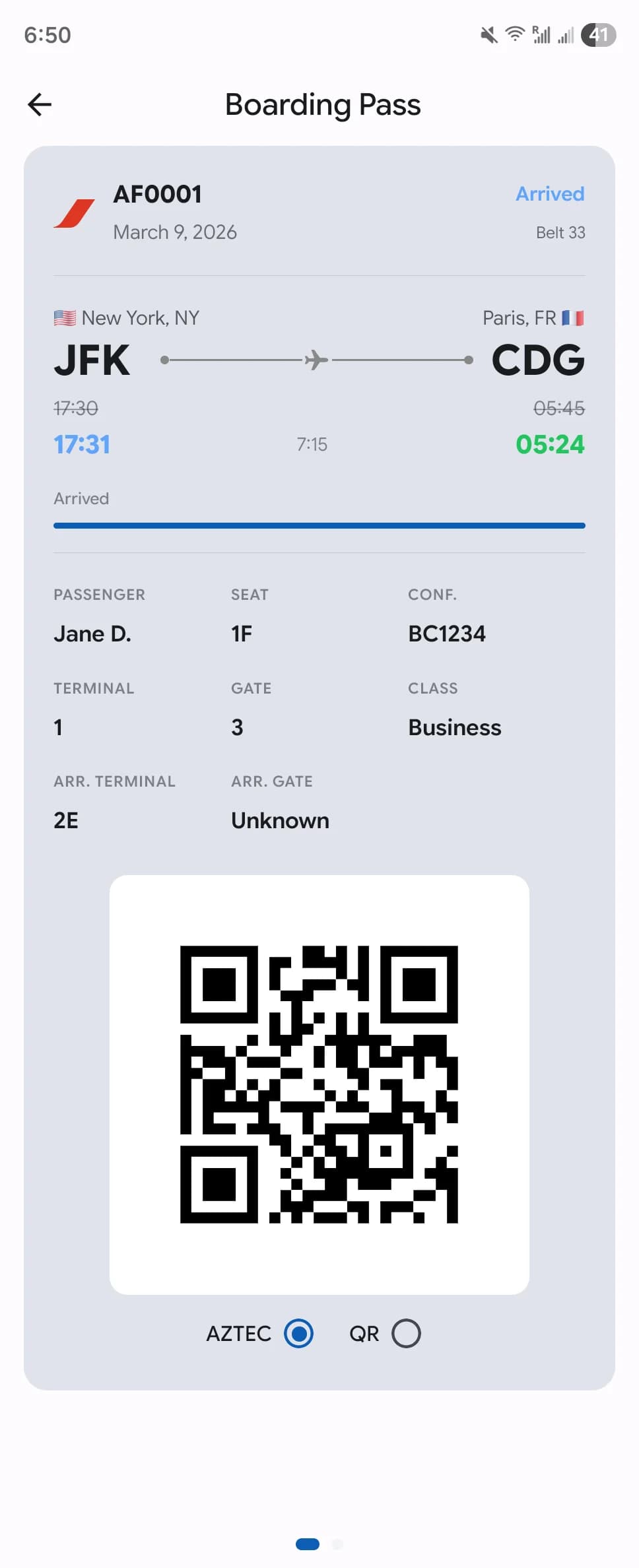
Real-Time Flight Status at a Glance
Track flights in real-time with live status updates, gate changes, and delay notifications. Aviate monitors your flights from departure to arrival so you always know exactly where your flight stands.
- Live departure & arrival times
- Gate, terminal & weather info
- Flight performance & delay statistics


Hover to unfold
Hover to unfold
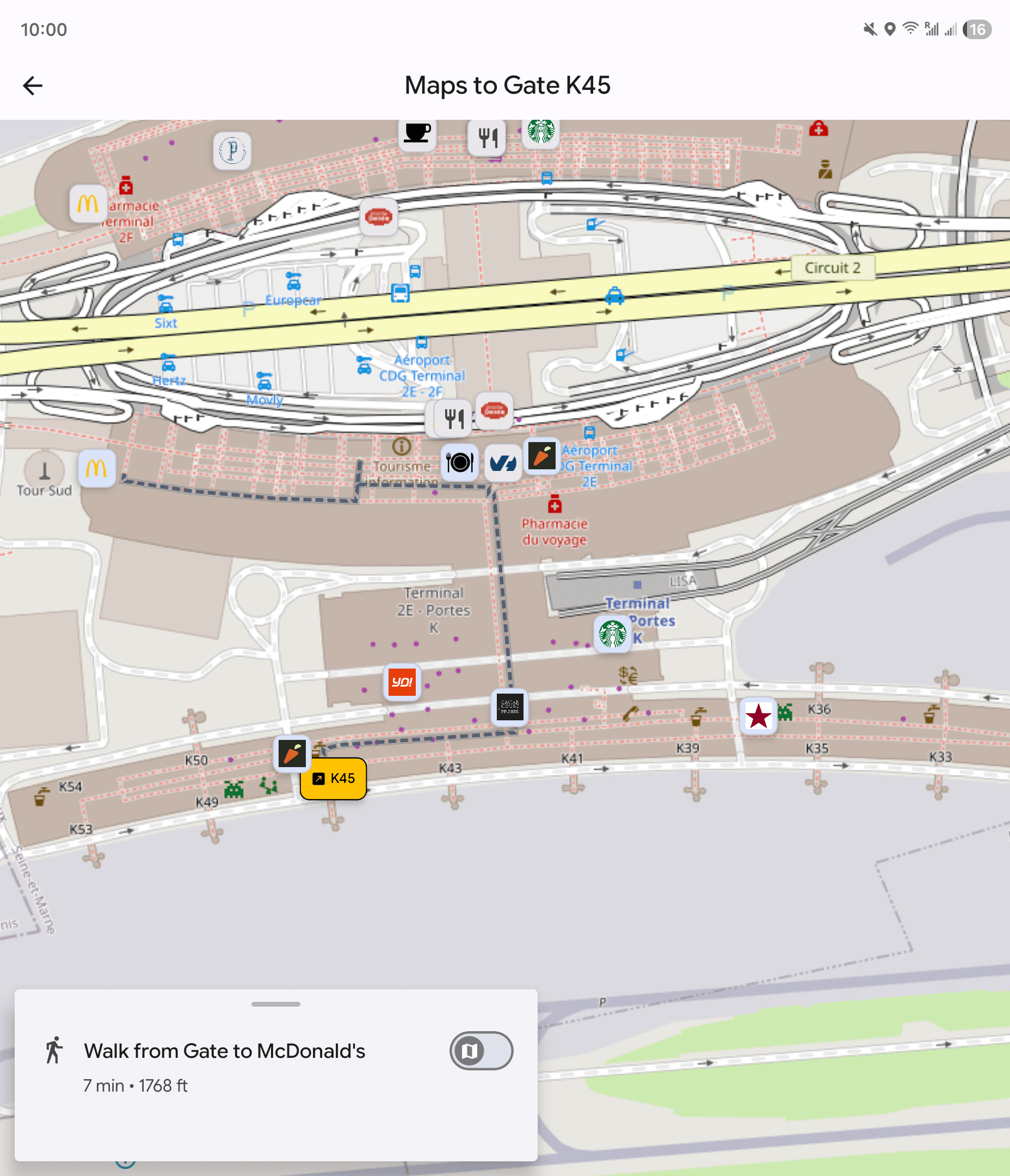
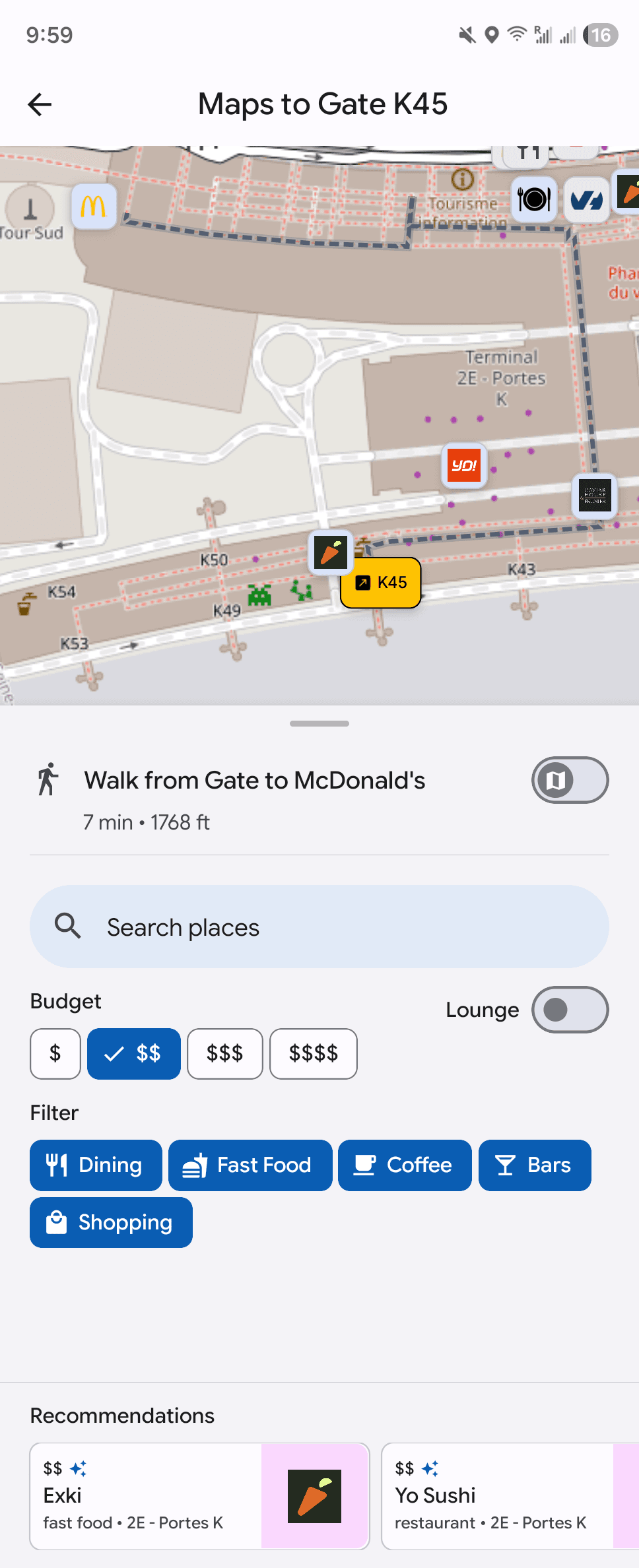
Never Get Lost in an Airport Again
Navigate unfamiliar airports with confidence. Browse indoor maps to find restaurants, lounges, shops, and amenities near your gate. Get walking directions and estimated travel times so you never miss your boarding call.
- Indoor maps with gate-to-gate directions
- Restaurant & lounge recommendations
- Budget filters & walking time estimates
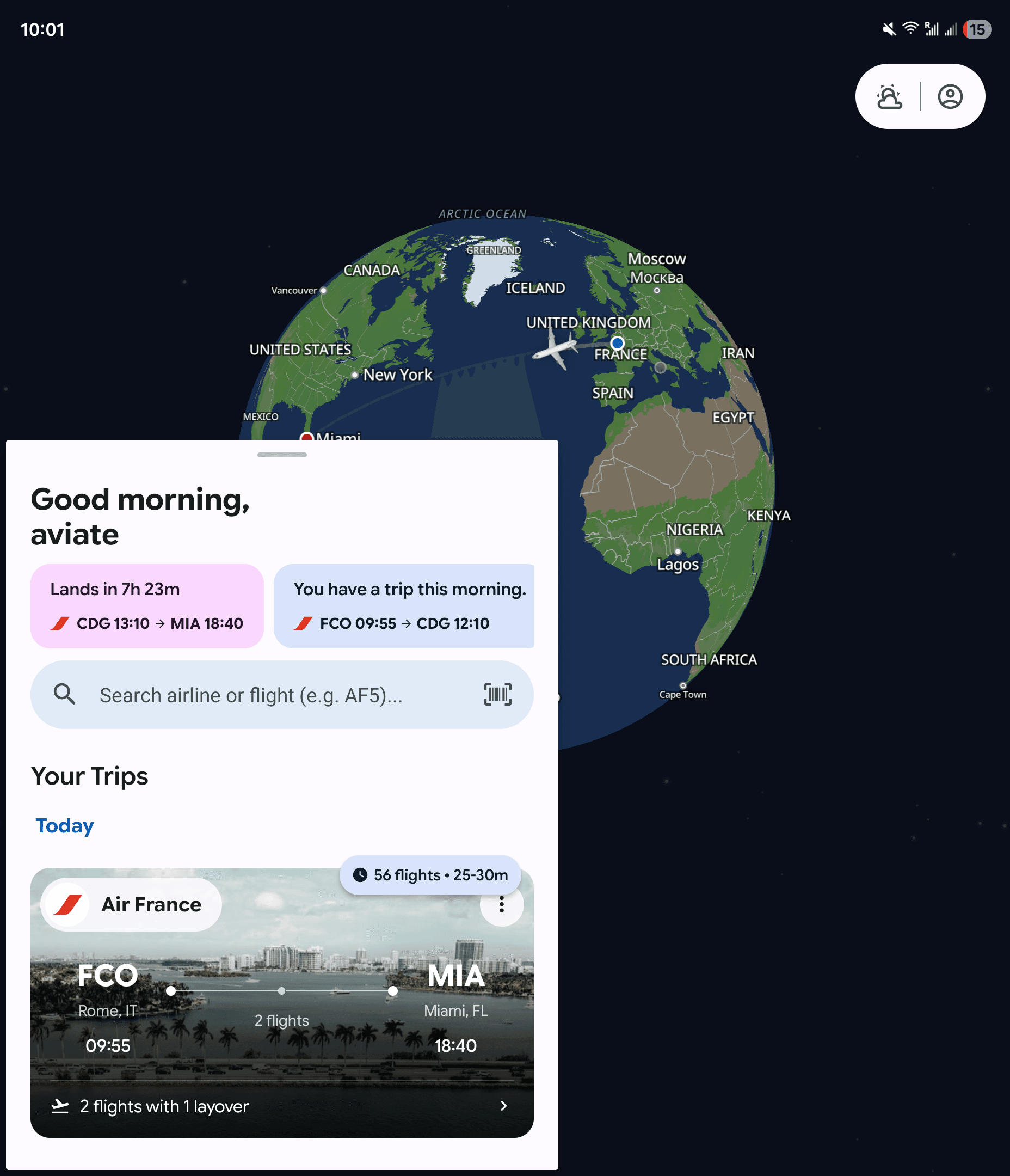
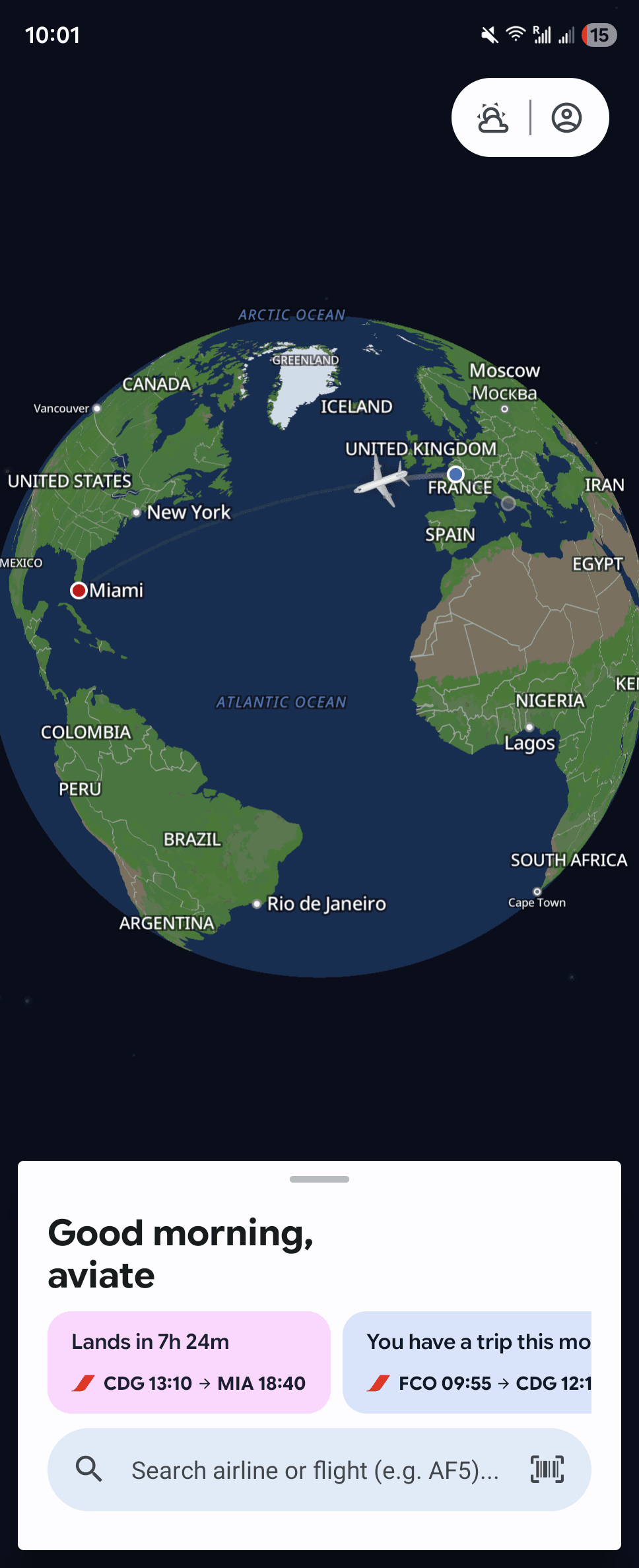
Your Entire Journey, One Screen
See all your upcoming trips at a glance with an interactive map showing your flight routes. Aviate keeps everything organized so you can focus on enjoying the journey.
- Interactive world map with flight routes
- Quick trip overview & search
- Share your flight with family & friends
Hover to unfold
Trip Checklists
Create customizable packing checklists tailored to each trip. Check items off as you go and reuse lists for future travels.
Digital Boarding Passes
Scan and store boarding passes in one place. Access them instantly at security, lounges, and the gate.
Share Your Journey
Let friends and family follow your flight in real-time with a shareable link anyone can view.
Personal Profile
Track your travel stats, complete flight history, calendar sync, and personalized preferences.
Frequently Asked Questions
Everything you need to know about Aviate
Ready to Elevate Your Travel?
Download Aviate today and experience the future of flight management